Innovations
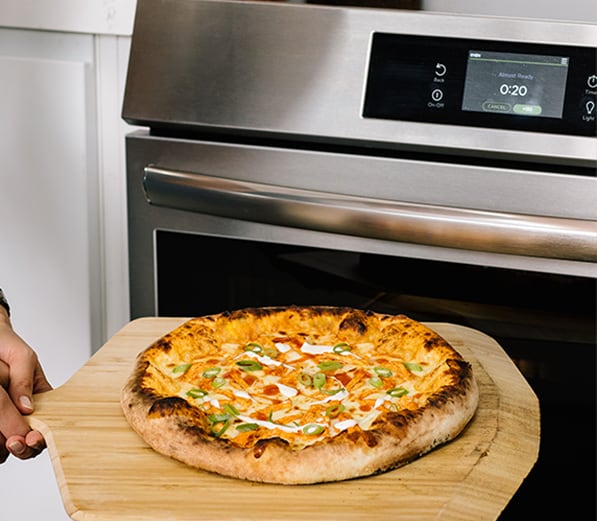
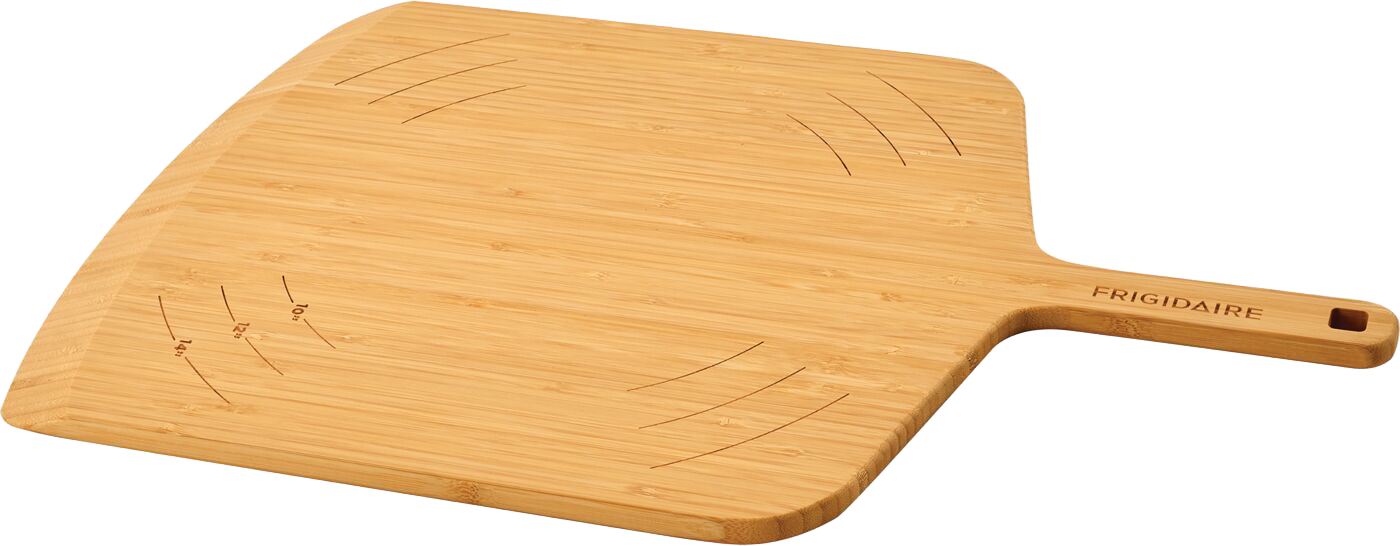
New Stone-Baked Pizza Mode
LEARN MORE
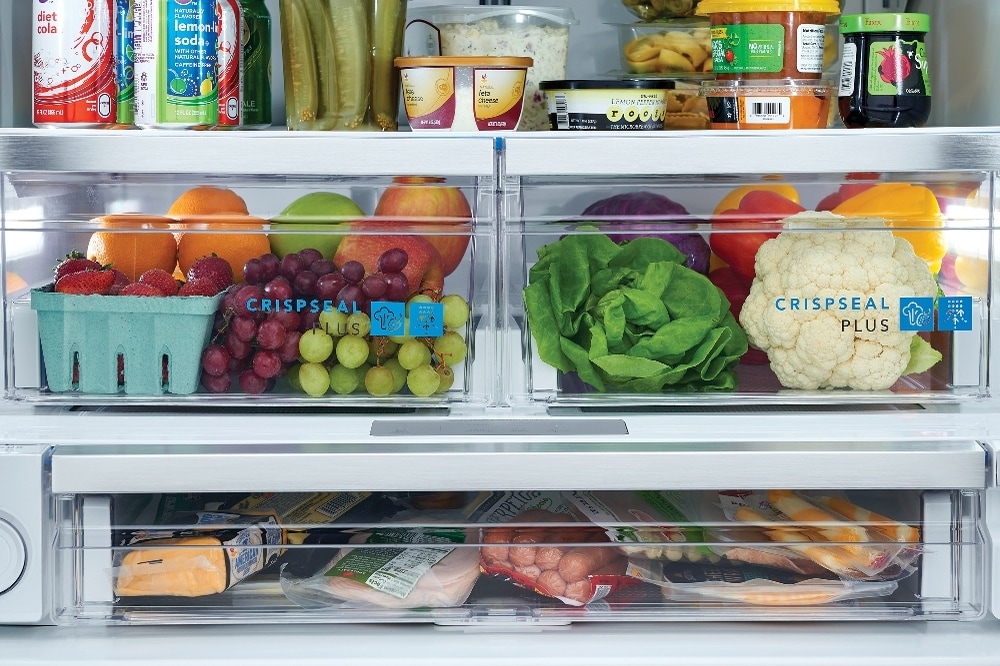
CrispSeal® Fresh Crispers
You haven't registered any appliances yet.
Service & Maintenance


To get started, download the appropriate Frigidaire 2.0 app from the Apple App store or Google Play store. You can then create a new account using a valid email address and password of at least 6 characters and one number (no spaces). Once you have accessed the Frigidaire 2.0 app, press “Add Appliance” so you can be led through the connection steps.

Apple, the Apple logo and iPhone are trademarks of Apple Inc. registered in the U.S. and other countries. App store is a service mark of Apple Inc. Google Play is a trademark of Google Inc. Amazon, Alexa and all related logos are trademarks of Amazon.com, Inc. or its affiliates.